Managing Projects
Importing Existing Projects
Existing projects can be added to SQL Migration Tool by clicking the import button.
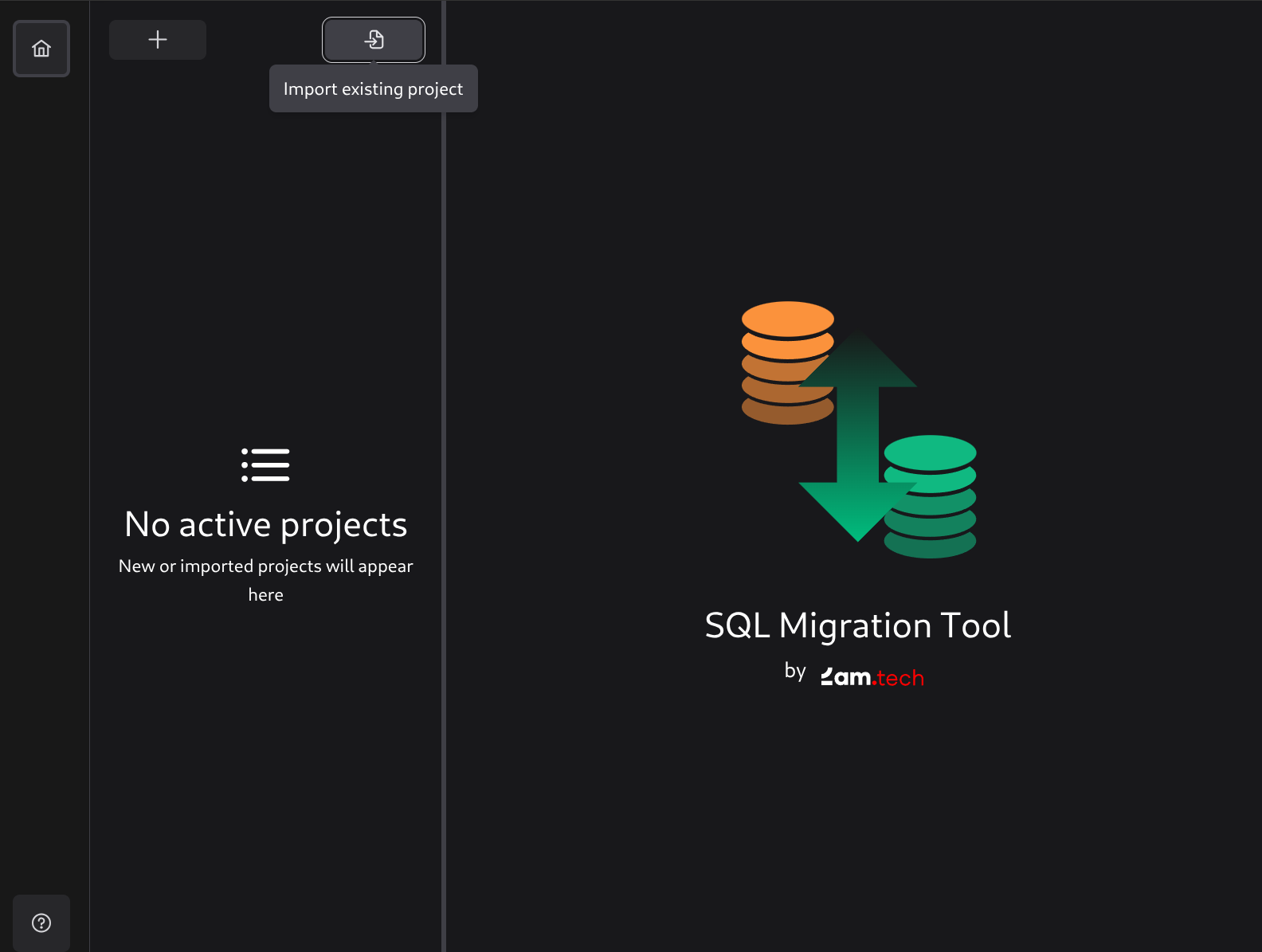
This will open a dialog where you can select a configuration.yml file, which will add the project to the list of projects in SQL Migration Tool.
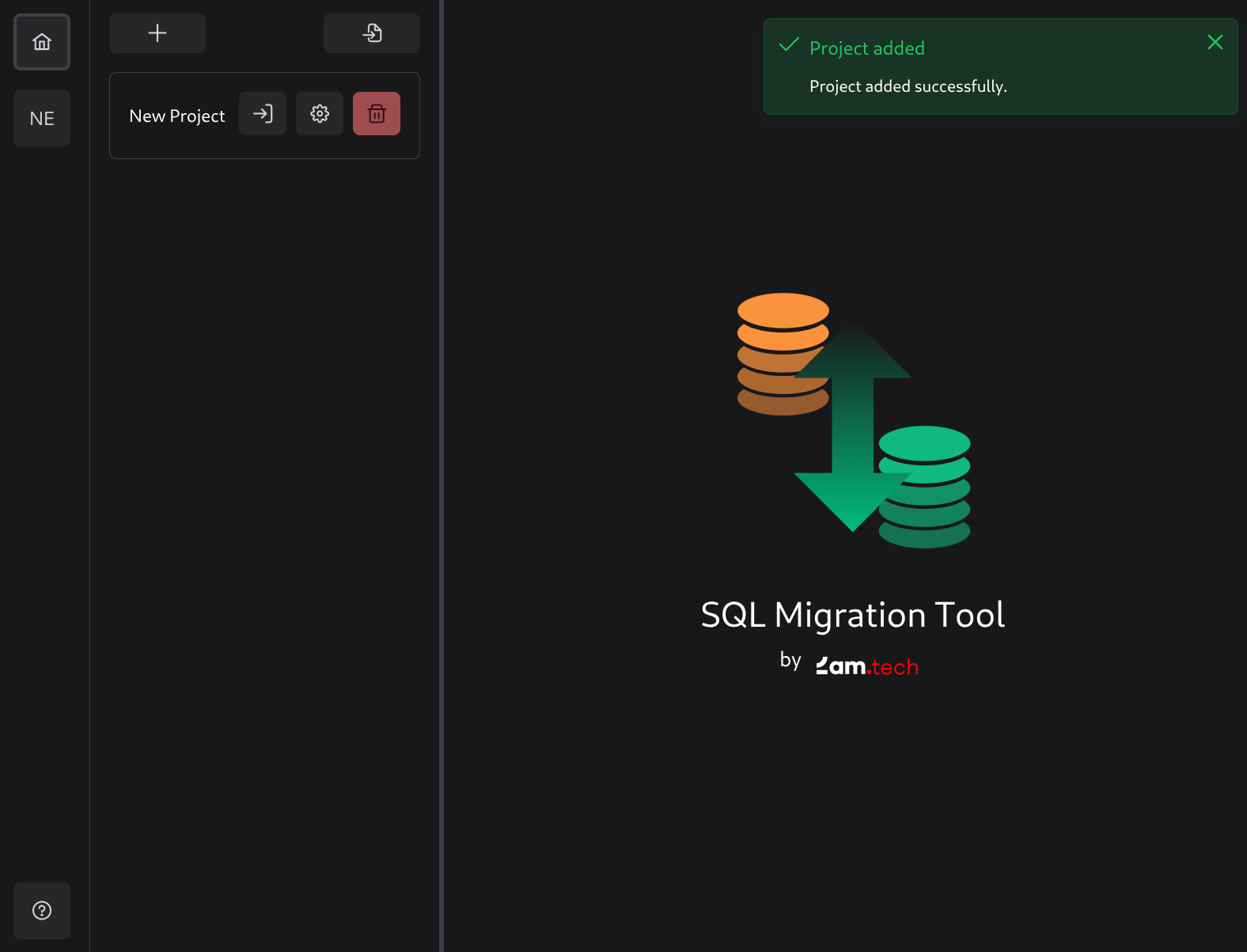
Managing a Project

Every project added to the list will have 3 buttons:
- Open the project - Opens the project for editing migrations.
- Settings - Opens project settings to manage project details like drivers, environments, etc.
- Delete a project - Removes the project from the list (but not from the hard drive).
Editing Settings
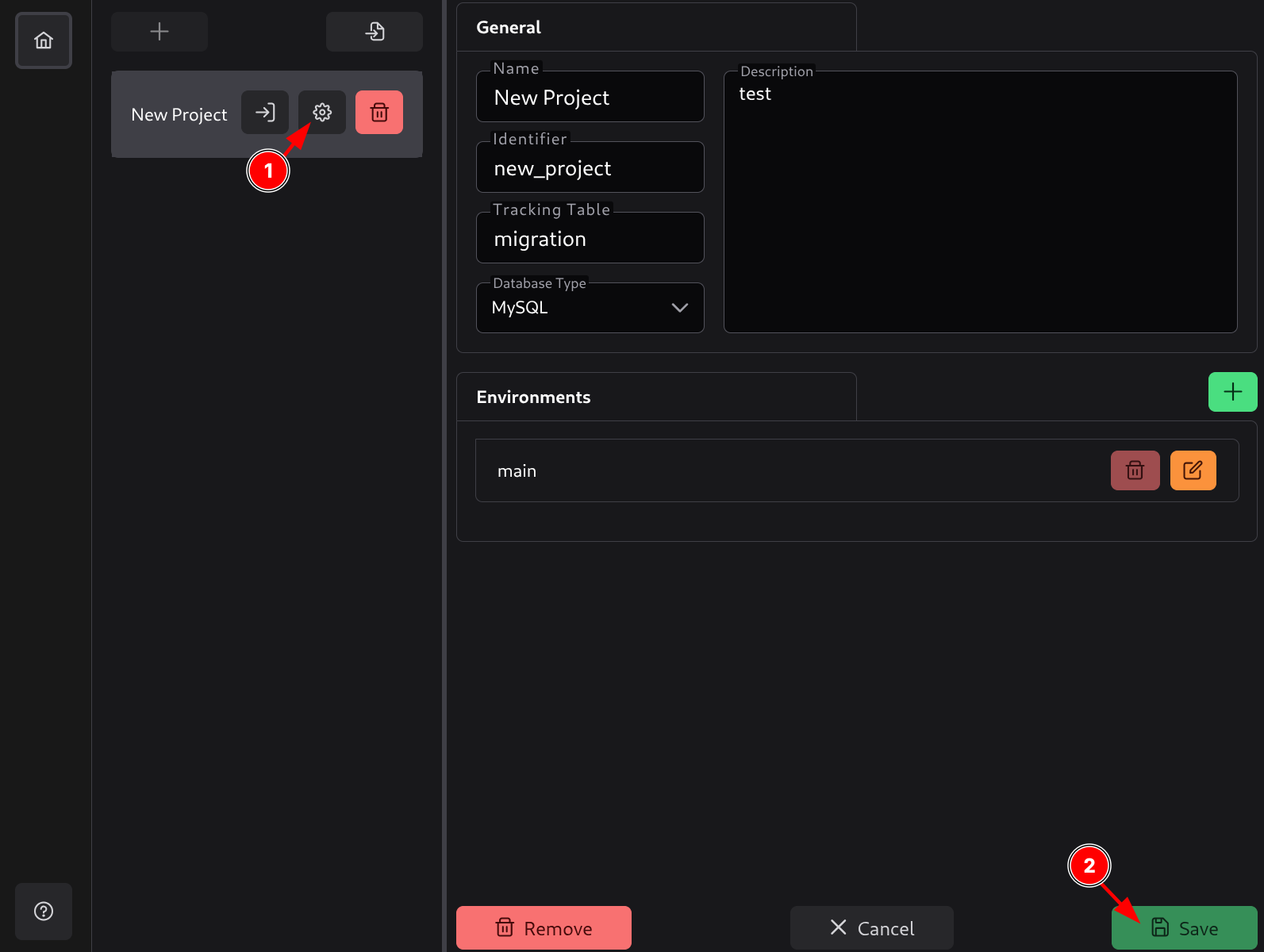
You can click on project settings (1) to display them on the right side and edit them. After making changes, you can click Save (2) or press Ctrl+S to save them.
Note: A project’s settings cannot be edited while the project is open. You will need to close the project first.