Connecting to the Database
In order to run migrations or scripts on your database from the application, you first need to connect to it.
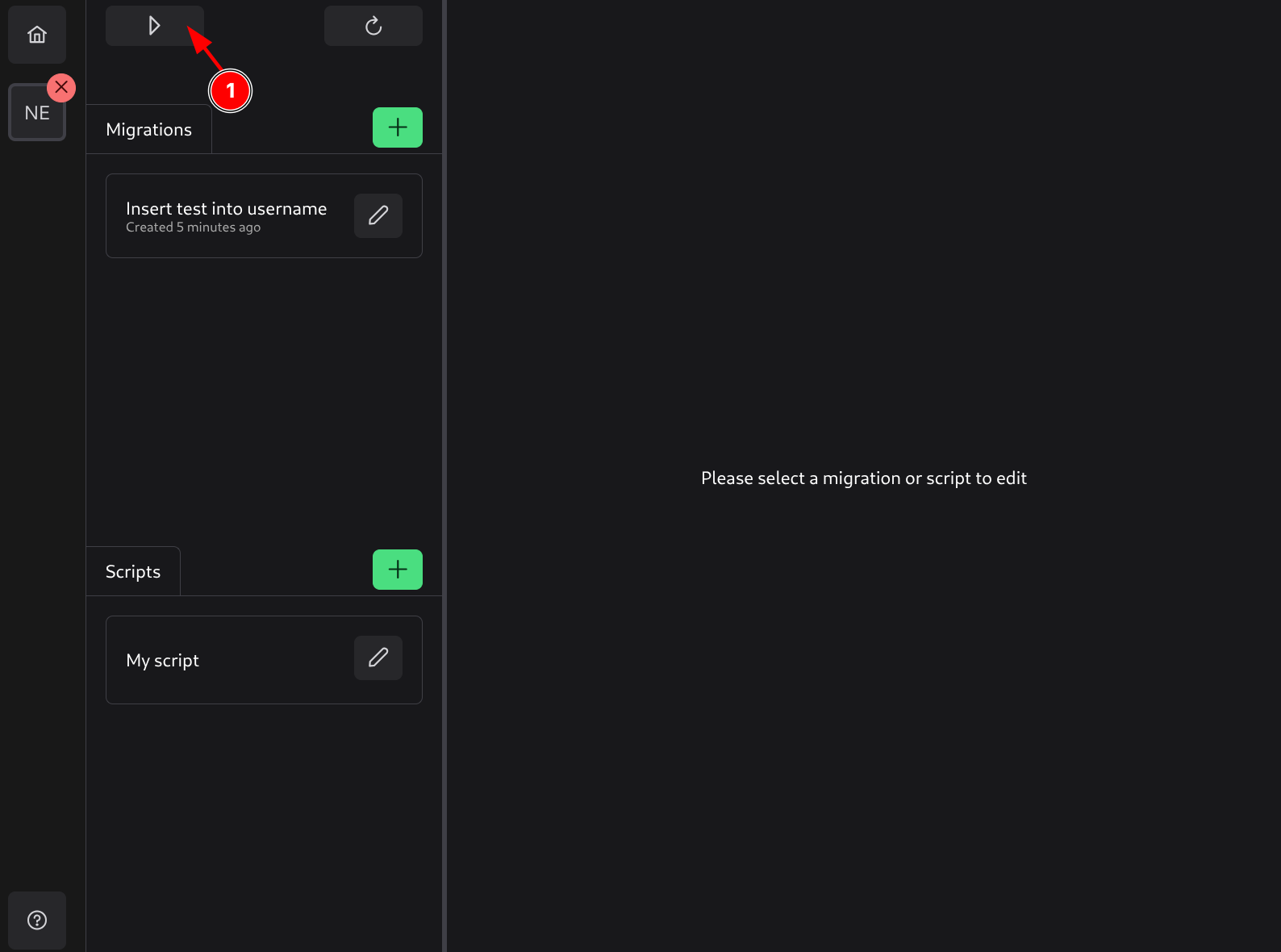
To connect, switch the project into Run mode (1).
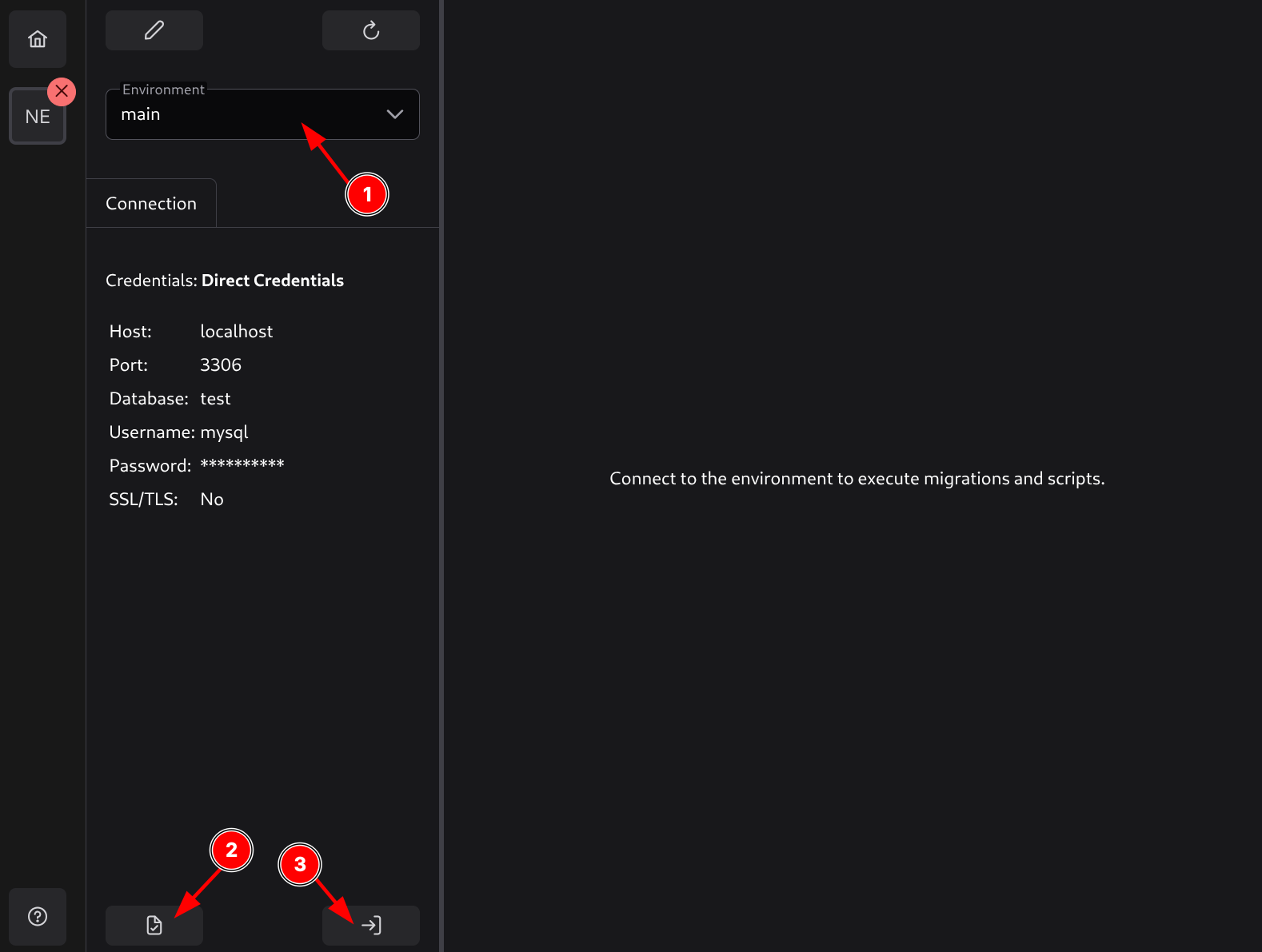
In Run mode, first select the environment to connect to (1). Depending on the chosen environment, you may need to enter additional data:
Direct Credentials
No additional data is needed.
AWS Credentials
The following additional data will be needed:
- AWS Access Key ID - Your AWS access key ID.
- AWS Secret Access Key - Your AWS secret access key.
These access keys will be stored in SQL Migration Tool’s config file (not in the project) so they can be reused for future connections. This ensures that these credentials are not committed with the project.
Dotenv Credentials
The following additional data will be needed:
- Dotenv folder path - Path to the folder where the dotenv file (with the name specified in dotenv credentials) is located.
This configuration will be stored in SQL Migration Tool’s own config file (not in the project).
After entering the correct connection data, you can click the Test button (2) to try connecting to the database with these credentials, or you can connect directly by pressing the Connect button (3).
Disconnecting
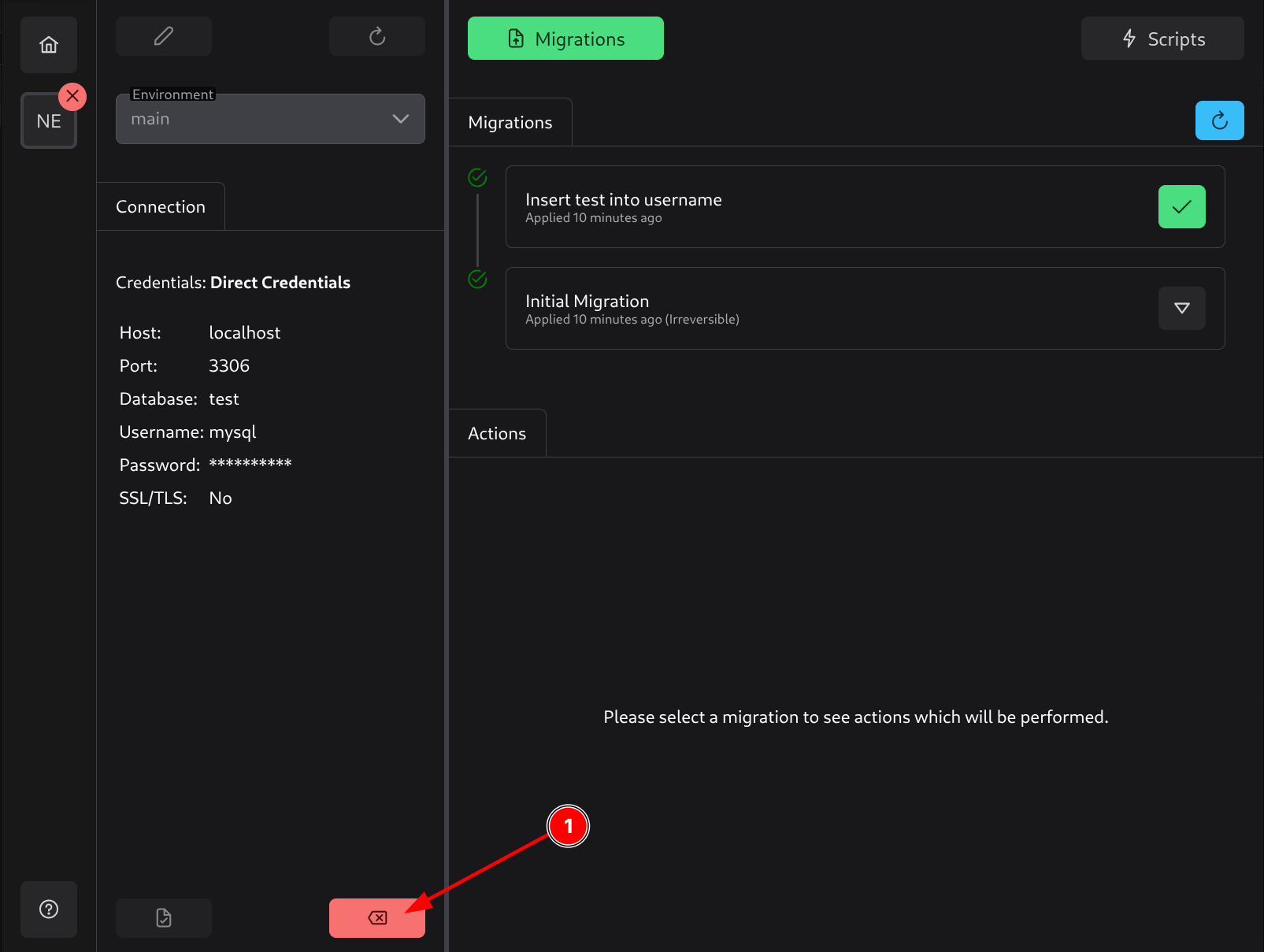
To disconnect from the database, click the Disconnect button (1).